 EDWARDS
THEMES
FREE PUBLIC EDWARDS THEME COURSE
ECOMMERCE WITH WOOCOMMERCE
Plan, configure, organize, expand and automate a WooCommerce store through guided practice, current-use checks and evidence-based assessment.
8 supplied HD videos8 audio editions6 formal units6 assessment tests6 print handoutsFree public access
A complete route from installation readiness to responsible automation.
The curriculum follows the supplied eight-part series from first lesson to last. Every unit includes an HD recording, audio edition, definitions, a visual explanation, practice evidence, transparent success criteria, a self-marking assessment and a print-ready handout.
- 01
Foundations and Safe Store Preparation
Establish the platform relationship, installation boundary, ownership checklist and safe practice environment before changing a live store.
Open Unit 1 → - 02
Theme and Storefront Experience
Select and test a maintained theme that serves the audience across shop, product, cart, checkout and account pages.
Open Unit 2 → - 03
General Settings and Store Rules
Connect location, currency, tax, coupon and account settings to written business decisions and verifiable customer outcomes.
Open Unit 3 → - 04
Products, Pricing and Promotion
Create accurate product records and coupon rules that align the customer promise with inventory, fulfilment and delivery.
Open Unit 4 → - 05
Catalog Structure, Attributes and Variations
Organize products for discovery, then model reusable attributes and complete purchasable variation data.
Open Unit 5 → - 06
Expansion, Automation and Final Store Plan
Evaluate extensions responsibly and design monitored automations with consent, security, recovery and measurable store goals.
Open Unit 6 →
SAFE PRACTICE NOTICE · REVIEWED 18 SEPTEMBER 2026
Learn on staging before changing a live store.
The supplied videos demonstrate an earlier WooCommerce interface. Use them to understand concepts and workflows, then compare each screen with current official documentation. Back up the store, test updates and extensions on staging, use test payment methods, and avoid entering real customer or payment data in course activities.
FORMAL CURRICULUM DESIGN
Understand → configure → test → document.
Learners build vocabulary, interpret the supplied demonstrations, produce store-planning evidence and verify the customer experience before completing a staged capstone.
Unit → topic → practice → evidence.
Watch and listen to each supplied lesson, read the current-use note, learn the definitions, complete the illustration and activity, meet the evidence criteria, take the unit test and print the handout.
Foundations and Safe Store Preparation
Establish the platform relationship, installation boundary, ownership checklist and safe practice environment before changing a live store.

TOPIC · WooCommerce foundations
Introduction and Store Build Readiness
Subtopic: Course map, WordPress prerequisite, plugin installation and safe practice environment
WooCommerce is an open-source commerce platform for WordPress. A dependable store build starts with a suitable WordPress site, clear ownership of hosting and accounts, a backup, and a staging or practice environment where changes can be tested before customers use them.
Current-use note
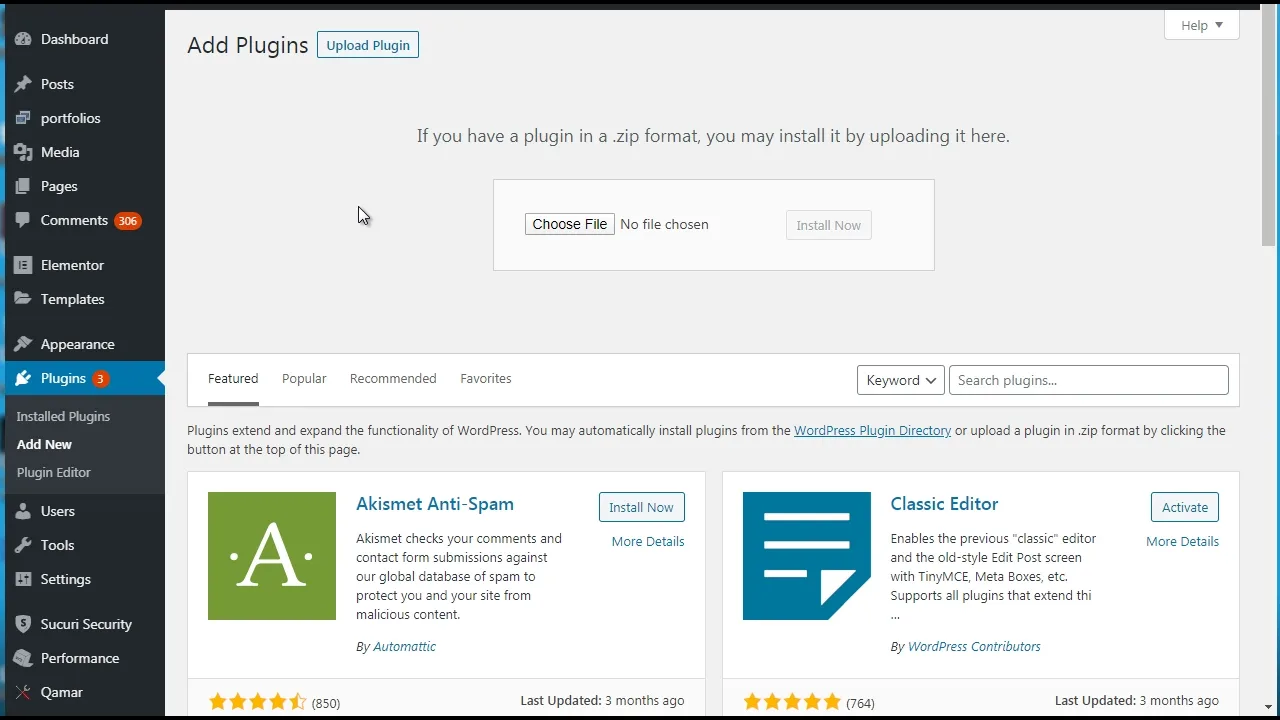
The supplied introduction gives a course overview and demonstrates installation. Interface labels can change, so learners should compare the recording with current WooCommerce documentation before changing a live store.
- Ecommerce
- The buying and selling of goods or services through digital systems.
- WooCommerce
- A commerce platform that adds store features to WordPress.
- Plugin
- Software that adds a defined function to a WordPress site.
- Staging site
- A private copy of a website used to test changes before they reach the live store.
Learning outcomes
- Explain how WordPress and WooCommerce work together.
- Identify the accounts, access and store information needed before installation.
- Prepare a safe build checklist with backup and staging steps.
Visual illustration
Draw a two-layer map. Put WordPress in the foundation layer and WooCommerce in the commerce layer. Around them, label hosting, domain, backups, administrator access and a staging copy.
Applied activity
Complete a store-readiness audit for a fictional business. Record the product type, target customer, fulfilment method, legal location, site access, backup status and staging plan.
Assessment evidence
A completed readiness audit and labelled platform map.
- WordPress and WooCommerce roles are distinguished
- Access and ownership are documented
- Backup and staging are included
- The store goal is specific
Theme and Storefront Experience
Select and test a maintained theme that serves the audience across shop, product, cart, checkout and account pages.
TOPIC · Store design
Theme Selection and Storefront Experience
Subtopic: Audience fit, WooCommerce compatibility, responsive layouts, maintenance and checkout review
A theme controls much of a WordPress site's visual presentation. A useful commerce theme must support the store's products and audience while keeping product, cart, checkout and account pages readable, responsive and maintainable.
Current-use note
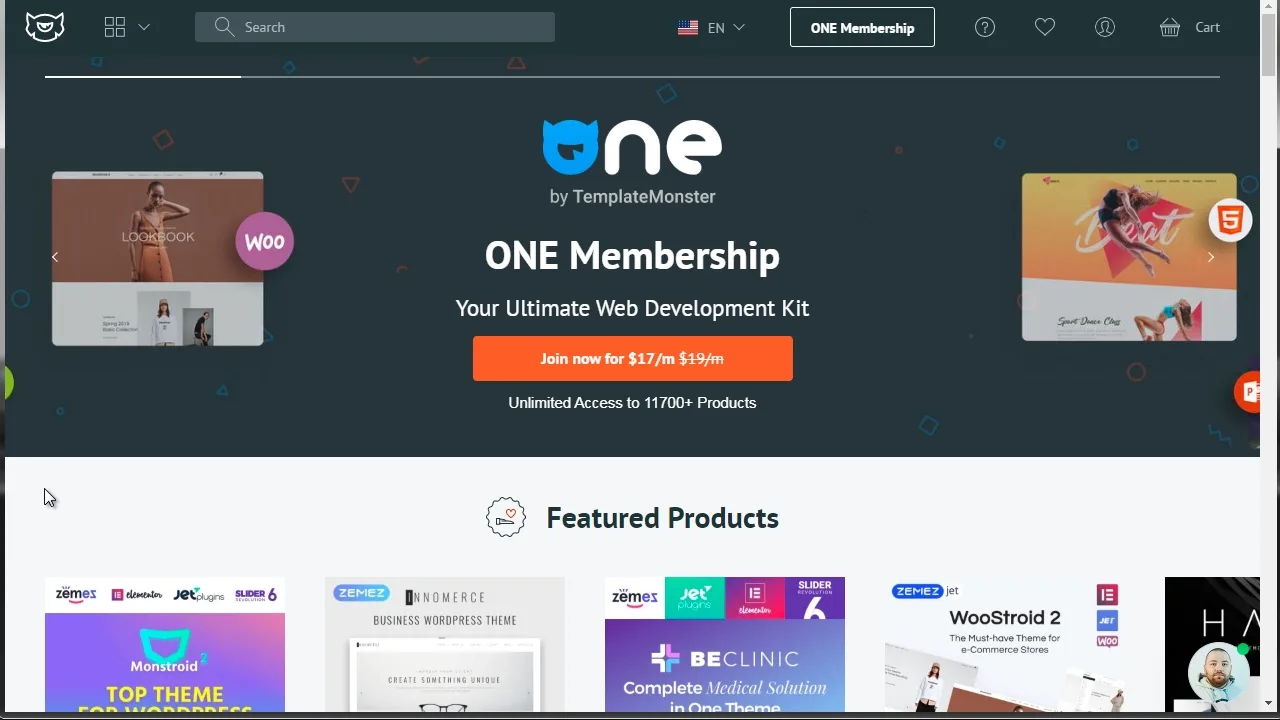
The recording demonstrates theme marketplaces. Treat vendor availability and compatibility claims as time-sensitive; verify the current changelog, support policy and latest WooCommerce compatibility before use.
- Theme
- A collection of templates and styles that controls a WordPress site's presentation.
- Responsive design
- A layout that adapts to different screen sizes and input methods.
- Compatibility
- The ability of software components to operate together as intended.
- Child theme
- A theme that inherits another theme's design while preserving custom changes separately.
Learning outcomes
- Evaluate a theme against audience and product needs.
- Inspect key WooCommerce pages on desktop and mobile.
- Recognize maintenance, support and lock-in risks.
Visual illustration
Create a storefront journey with five screens: shop, product, cart, checkout and account. Mark the point where a customer could lose confidence on each screen.
Applied activity
Compare two candidate themes using a ten-point review. Include mobile layout, keyboard access, product imagery, checkout clarity, update history, support and the amount of bundled functionality.
Assessment evidence
A scored theme comparison and written recommendation.
- All core store pages are reviewed
- Mobile and accessibility needs are considered
- Maintenance evidence is recorded
- The recommendation connects to the target customer
General Settings and Store Rules
Connect location, currency, tax, coupon and account settings to written business decisions and verifiable customer outcomes.
TOPIC · Store configuration
General Settings and Store Rules
Subtopic: Business address, selling regions, currency, taxes, coupons, accounts, privacy and email checks
General settings translate business decisions into store behaviour. Address, selling locations, currency and tax options affect what customers see and how orders behave, so each choice should connect to a written business rule and current professional advice where law or tax is involved.
Current-use note
The supplied overview reflects an earlier WooCommerce interface. Use it to understand the decisions, then verify the current location of settings in official documentation. This course does not provide legal, tax or accounting advice.
- Store address
- The seller's business location used by WooCommerce in several tax and shipping calculations.
- Selling location
- A country or region in which the store accepts customers.
- Currency
- The monetary unit used to display and record store prices.
- Coupon
- A controlled discount rule applied when its conditions are met.
Learning outcomes
- Explain the purpose of the main general settings.
- Connect each setting to a business decision and test case.
- Identify settings that require legal, tax or payment-provider guidance.
Visual illustration
Build a settings decision table with four columns: business fact, WooCommerce setting, customer effect and test evidence.
Applied activity
Configure a fictional store plan on paper, then write five acceptance tests covering location, currency, coupons, tax display and customer email. Do not use live customer data.
Assessment evidence
A settings decision table and five test cases.
- Each setting has a business reason
- Customer-facing effects are described
- Legal and tax boundaries are stated
- Tests have clear expected results
Products, Pricing and Promotion
Create accurate product records and coupon rules that align the customer promise with inventory, fulfilment and delivery.
TOPIC · Product setup
Products, Pricing and Coupons
Subtopic: Product types, descriptions, media, price, inventory, shipping, downloads and promotion rules
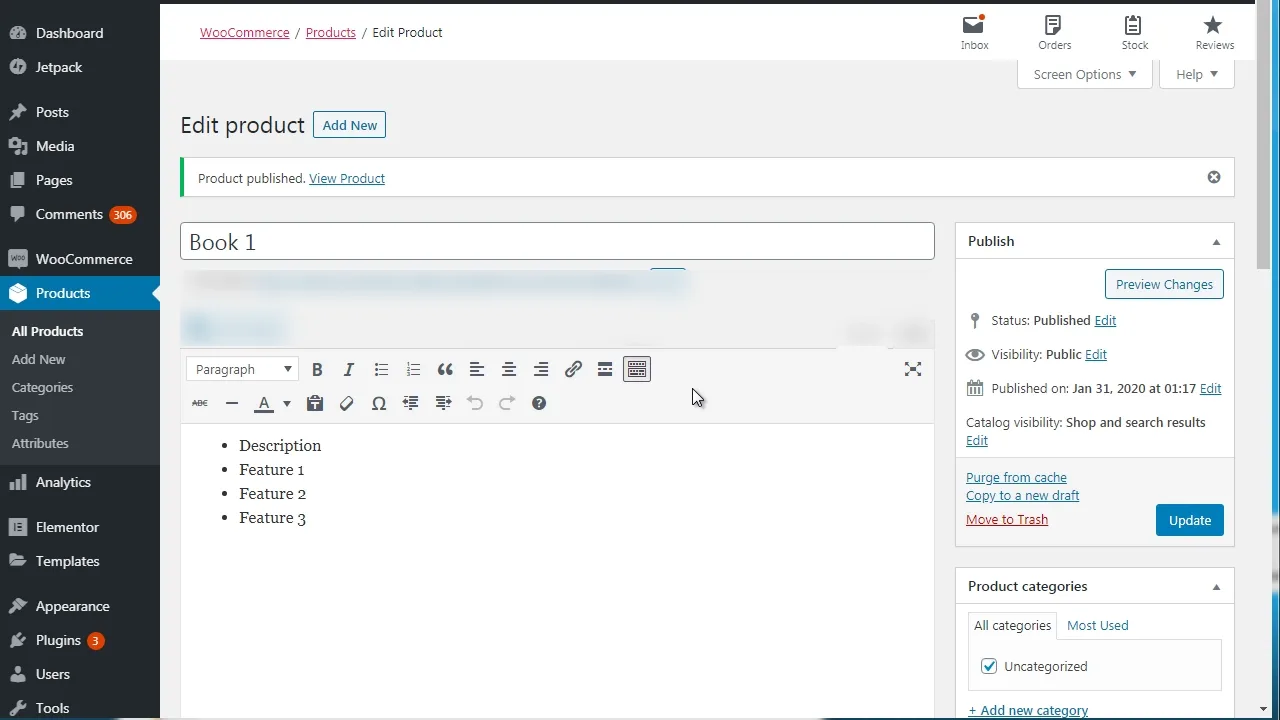
A product record combines customer-facing content with operational data. Product type determines which fields and processes apply, while clear descriptions, accurate prices, inventory rules and fulfilment details help the store deliver what it promises.
Current-use note
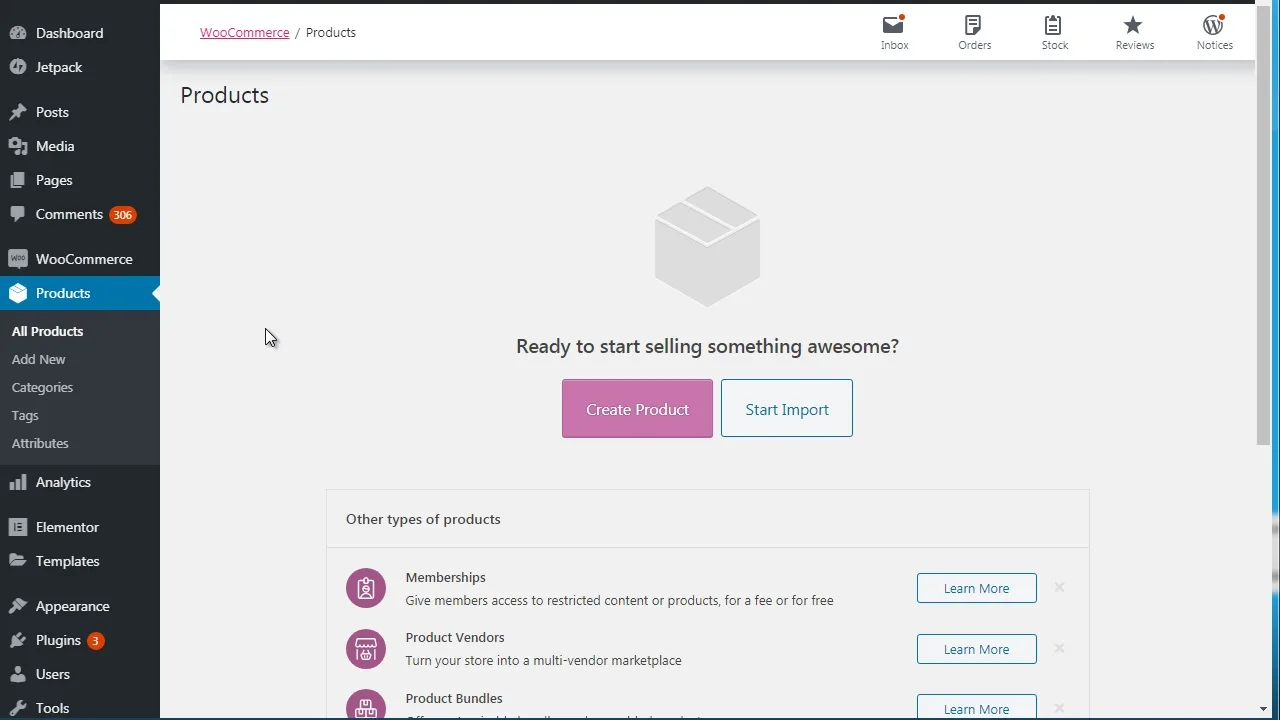
The recording demonstrates product settings and coupons. Current product editors can vary by WooCommerce version, extensions and theme; use the underlying data model rather than memorizing screen positions.
- Simple product
- A product sold as one standard item without selectable variations.
- Variable product
- A product with selectable variations that may have different prices, stock or shipping data.
- SKU
- A unique stock-keeping identifier used to track a product or variation.
- Downloadable product
- A product that provides a digital file through controlled delivery settings.
Learning outcomes
- Choose an appropriate WooCommerce product type.
- Create complete product data without unsupported claims.
- Design a coupon with clear conditions and a test plan.
Visual illustration
Sketch a product record as two halves: the customer promise and the fulfilment facts. Connect claims, images and price to stock, tax, shipping or download delivery.
Applied activity
Draft one fictional product. Include name, short and long descriptions, price, SKU, image plan, inventory decision, fulfilment details and one coupon rule. Test normal, expired and ineligible coupon cases.
Assessment evidence
A complete fictional product specification and coupon test sheet.
- Product type fits the offer
- Customer claims match operational data
- Pricing and fulfilment are explicit
- Coupon conditions and edge cases are tested
Catalog Structure, Attributes and Variations
Organize products for discovery, then model reusable attributes and complete purchasable variation data.
TOPIC · Product organization
Catalog Organization for Customer Discovery
Subtopic: Categories, subcategories, tags, slugs, navigation and catalog governance
Catalog organization helps customers browse and helps administrators maintain consistent product records. Categories create a hierarchy, tags connect items through flexible descriptors, and a naming standard reduces duplication and confusion as the catalog grows.
Current-use note
The lesson focuses on avoiding product confusion. Current WooCommerce documentation describes categories as hierarchical, tags as flexible non-hierarchical descriptors, and attributes as structured product characteristics.
- Category
- A hierarchical product grouping that can contain parent and child sections.
- Tag
- A non-hierarchical descriptor that connects products sharing a characteristic.
- Taxonomy
- A system for classifying and organizing content.
- Slug
- The URL-friendly text used to identify a page, product or taxonomy term.
Learning outcomes
- Distinguish categories, subcategories and tags.
- Design a small catalog hierarchy around customer tasks.
- Create naming rules that prevent duplicate terms.
Visual illustration
Draw a category tree for a six-product shop. Add tags as cross-links rather than extra branches, and show the route a customer follows to one product.
Applied activity
Organize twelve fictional products into a maximum of four top-level categories. Add only useful subcategories and tags, then test whether another learner can locate three named items.
Assessment evidence
A catalog tree, naming standard and findability test record.
- Hierarchy stays understandable
- Tags are not used as duplicate categories
- Names and slugs are consistent
- Navigation is tested with a user task
TOPIC · Product attributes
Attributes, Variations and Product Choice
Subtopic: Global and custom attributes, terms, variable products, variation data and selection testing
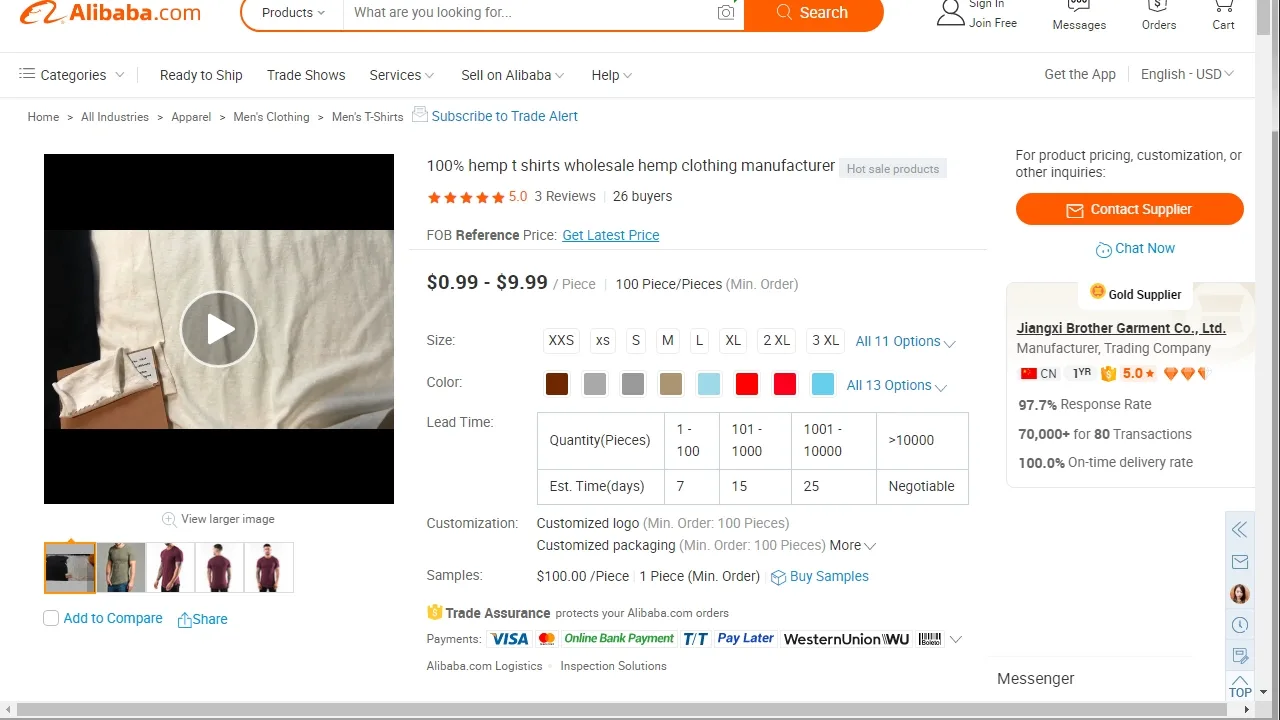
An attribute describes a structured product characteristic such as color or size. Attributes can support filtering and can define variations, while each purchasable variation may need its own price, stock, SKU, image or shipping information.
Current-use note
The supplied example uses product colors. The current curriculum broadens the concept to global reuse, filtering and variation-level operational data.
- Attribute
- A structured characteristic assigned to a product, such as size or color.
- Term
- One permitted value within an attribute, such as Blue within Color.
- Variation
- A purchasable combination of attributes within a variable product.
- Global attribute
- An attribute defined once for consistent reuse across multiple products.
Learning outcomes
- Separate descriptive attributes from purchasable variations.
- Choose between global and product-specific attributes.
- Test whether every valid variation can be selected and fulfilled.
Visual illustration
Create a variation matrix with Color on one axis and Size on the other. Mark valid combinations and attach SKU, price and stock fields to each purchasable cell.
Applied activity
Build a specification for a fictional variable product with two attributes. Remove impossible combinations, assign unique SKUs and write tests for selection, stock, price and image changes.
Assessment evidence
A completed variation matrix and four acceptance tests.
- Attribute names and terms are consistent
- Every purchasable variation has required data
- Impossible combinations are controlled
- Customer selection is tested
Expansion, Automation and Final Store Plan
Evaluate extensions responsibly and design monitored automations with consent, security, recovery and measurable store goals.

TOPIC · Store expansion
Extensions, Subscriptions and Responsible Growth
Subtopic: Extension selection, subscriptions, memberships, compatibility, cost, support and change control
An extension adds capabilities beyond WooCommerce core. Expansion creates ongoing technical, financial and operational responsibilities, so every extension should solve a documented need and pass compatibility, security, support, data and total-cost review.
Current-use note
The recording explores memberships, subscriptions and other add-ons. Availability, price and compatibility can change; verify current marketplace information and terms before choosing an extension.
- Extension
- Software that adds or changes a WooCommerce capability.
- Subscription
- An arrangement that creates recurring orders or payments under defined terms.
- Membership
- A controlled access relationship based on rules such as account status, purchase or plan.
- Change control
- A recorded process for evaluating, testing, approving and reversing a system change.
Learning outcomes
- Translate a business need into extension requirements.
- Compare options using more than feature lists.
- Plan a staged installation and rollback.
Visual illustration
Draw an extension decision gate: need, native capability check, vendor evidence, cost and data review, staging test, approval, launch and monitoring.
Applied activity
Evaluate two fictional extension options for recurring products. Document required features, annual cost, support, data access, compatibility, cancellation experience, staging tests and rollback steps.
Assessment evidence
An extension decision record and controlled rollout plan.
- The business need is explicit
- Native options are considered
- Recurring cost and data access are reviewed
- Rollback and monitoring are planned
TOPIC · WooCommerce automation
Automation, Webhooks and Operational Safety
Subtopic: Triggers, actions, customer consent, secrets, logging, retries, failure handling and manual recovery
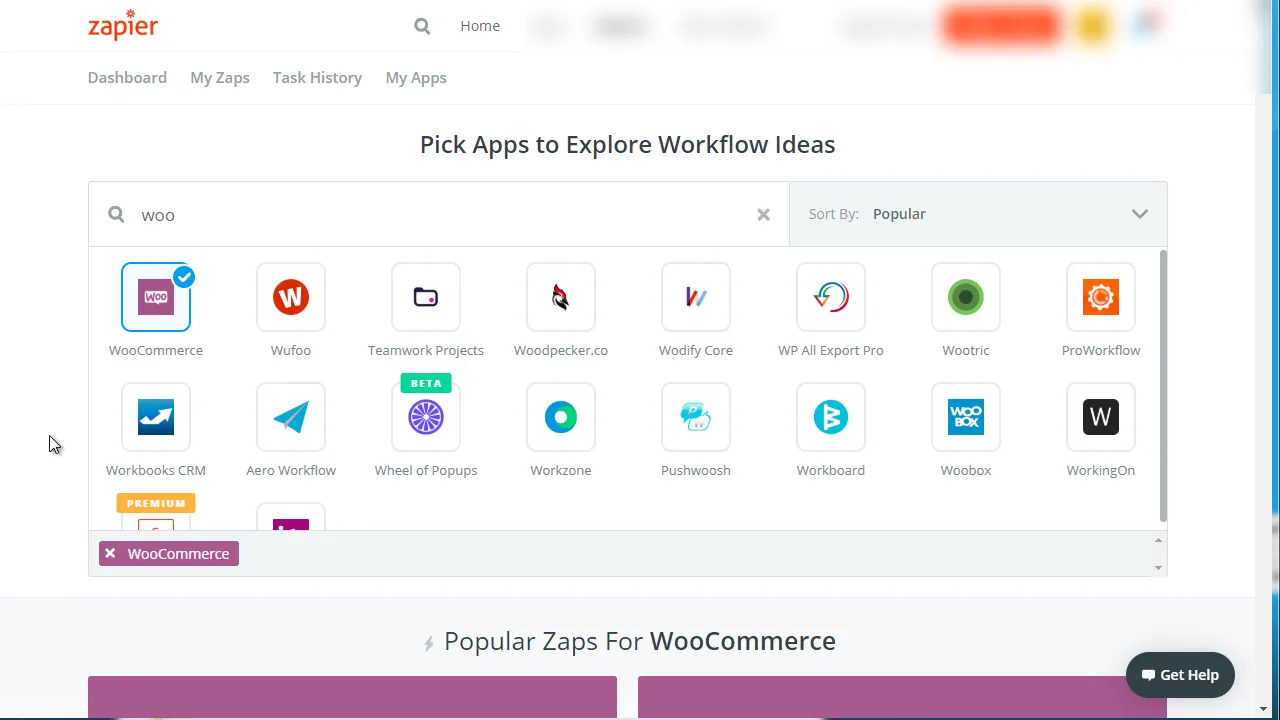
Automation uses a defined event to start an action. In WooCommerce, webhooks and approved integrations can send event data to other systems, but a reliable workflow must limit data, protect secrets, handle duplicate or failed events, keep logs and provide a manual recovery path.
Current-use note
The recording demonstrates third-party automation services. Tool interfaces and terms change. Official WooCommerce documentation confirms that webhooks can respond to order, product, coupon and customer events and should be monitored through delivery logs.
- Trigger
- The event that starts an automated workflow.
- Action
- The task an automation performs after its trigger and conditions are met.
- Webhook
- An event notification sent automatically to a chosen URL.
- Idempotency
- A design property that prevents repeated delivery from creating unintended duplicate results.
Learning outcomes
- Map a store event to a justified action.
- Identify data, consent and security risks in an integration.
- Design monitoring, retry and manual recovery procedures.
Visual illustration
Map order created to validation, permitted data, destination, action, log, success notice and failure queue. Add a loop from failure to human review.
Applied activity
Design a fictional post-purchase workflow that adds a consenting customer to an email list. List the minimum data, authentication method, duplicate protection, failure alerts, unsubscribe path and recovery steps.
Assessment evidence
An automation map, data-minimization checklist and failure drill.
- Trigger and action are precise
- Only necessary data is used
- Consent and secrets are protected
- Failures and duplicate events have a recovery plan
The original learning and publisher package, organized for study.
The learner videos and audio editions appear inside the curriculum. The original sales letter, presentation, artwork, editable source and legacy player files are preserved below. Legacy code is provided as a download for historical study and is not executed on the live course.
ORIGINAL PROMOTIONAL STUDY
Sales-video archive
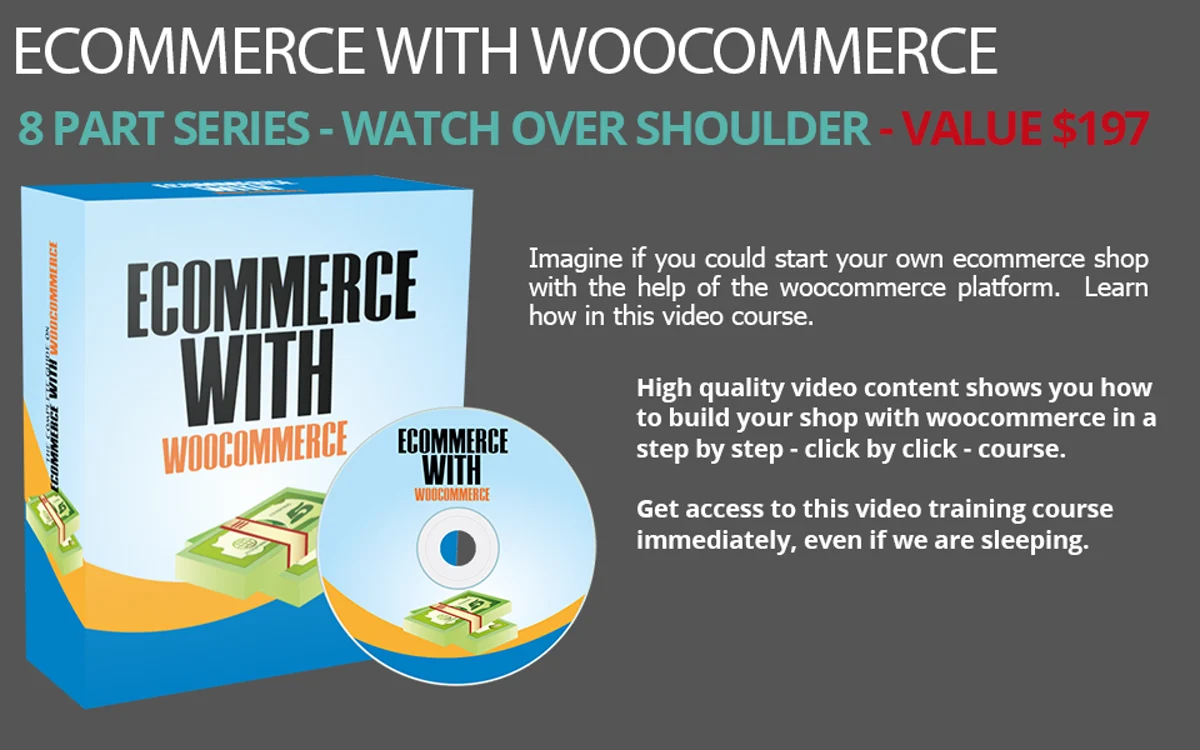
Review the course promise, audience, visual hierarchy and call to action. Compare the original paid-product language with this live course's free public access.
PUBLIC COURSE PREVIEW
Watch the original preview, then begin the complete free curriculum.
The eight lessons cover installation, themes, general settings, products, organization, attributes, expansion and automation. The formal units add current-use notes, tests, printable handouts and a staged store-plan capstone.
Verify present-day steps before changing a store.
SUMMATIVE CAPSTONE
Produce a staged WooCommerce store plan and evidence portfolio.
Submit a readiness audit, theme comparison, settings decision table, fictional product and coupon specification, catalog tree, variation matrix, extension decision record, automation map and a launch checklist. Demonstrate the plan in a staging environment without real customer or payment data.
- Platform and store planning — 20%Ownership, audience, fulfilment, backup and staging decisions are complete.
- Storefront and settings — 20%Theme and configuration choices trace to customer and business requirements.
- Product and catalog accuracy — 20%Product data, categories, tags, attributes and variations are consistent.
- Testing and operational safety — 20%Acceptance tests, privacy boundaries, failure handling and recovery are documented.
- Evidence and reflection — 20%Results, limitations, current documentation checks and next actions are clear.